Table of contents
- Before you write: what you actually need to get right
- Step 0: Set your SEO strategy before you pick topics
- Step 1: Decide who this post is really for (and where they are in their journey)
- Step 2: Get clear on the post’s primary job
- Step 3: Choose a realistic keyword and understand search intent
- Step 4: Decide the post format and angle before you draft
- Match format to intent
- Choose a specific angle
- Step 5: Decide what expertise, assets, and examples you’ll build in
- How this prep makes AI blogging safer and less like tech homework?
- FAQs
- How do I know who a blog post is really for?
- How do I choose a keyword a new blog post can rank for?
- What should a blog post be trying to do for my business?
- How do I decide whether a blog post idea is worth writing?

TL;DR Before you draft a single sentence, you need 4 things clear: who the post is for, what they are trying to do, what the post’s main job is for your business, and which realistic keyword and format match that intent. When you get this pre-work right, even a small number of focused posts can pull in consistent search traffic and real leads, instead of disappearing into the void.
You already know you “should be blogging”. You also know what it feels like to stare at a blank page, squeeze in 90 minutes after a long day, hit publish and then see no change in traffic or enquiries.
The problem is almost never your writing. It is what happened (or did not happen) before you wrote.
Most underperforming blog posts were written before anyone decided who they are for, which questions they answer, and what action they should lead to. On our side, when we applied careful planning up front, we published just six strategic blog posts and saw them pull in meaningful traffic and leads instead of sitting unread.
This article walks through the pre-work that makes that possible, step by step, so your next post starts paying its way instead of becoming more “content” you have to maintain.
Before you write: what you actually need to get right
If you are used to treating blogging as “write when you can, on whatever comes to mind”, this is the reset.
The result you want is simple: posts that show up in search and bring you customers.
What decides that result is not:
- How long the post is.
- How often you publish.
- How “creative” the title sounds.
What decides it is what happens before you open a blank doc:
- You know exactly who this post is for, and where they are in their buying journey.
- You know the specific question they are typing into Google, and why.
- You know the single job this post should do for your business.
- You know how this post fits into an overall SEO strategy, including local content if you serve a specific area.
Using this strategy, we published just six strategic blog posts. The difference was not volume, it was direction.
You might also be creating local content because you want to show up for searches in your location. That is a strong approach, but it still needs a strategy behind it. Every topic you pick needs to connect to that strategy. If you are pulling ideas from Instagram or a random “content ideas” list without checking whether they fit, you are shooting in the dark.
The rest of this article is a simple way to get out of the dark.
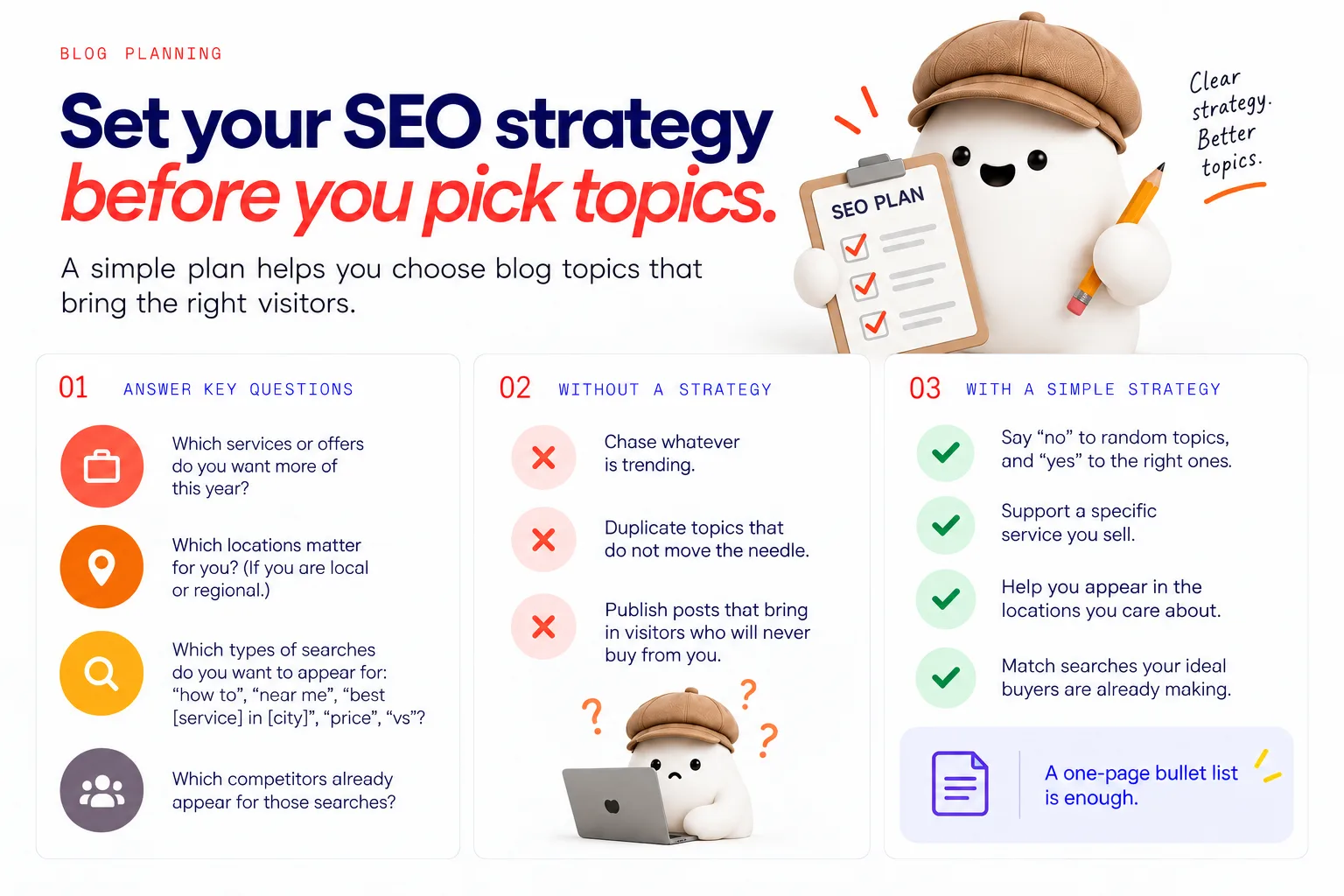
Step 0: Set your SEO strategy before you pick topics
Before individual posts, you need a basic SEO strategy. Not a 50-page document. Just clear answers to questions like:
- Which services or offers do you want more of this year?
- Which locations matter for you? (If you are local or regional.)
- Which types of searches do you want to appear for: “how to”, “near me”, “best [service] in [city]”, “price”, “vs”?
- Which competitors already appear for those searches?
One of the most important parts of blog planning is selecting the topic. The catch is that topic choices only work when they sit inside a clear strategy.
Without this, you:
- Chase whatever is trending.
- Duplicate topics that do not move the needle.
- Publish posts that bring in visitors who will never buy from you.
With a simple SEO strategy, you can say “no” to random topics, and “yes” to the ones that:
- Support a specific service you sell.
- Help you appear in the locations you care about.
- Match searches your ideal buyers are already making.
You do not need to overcomplicate this. A one-page bullet list is enough to guide your blog post planning.
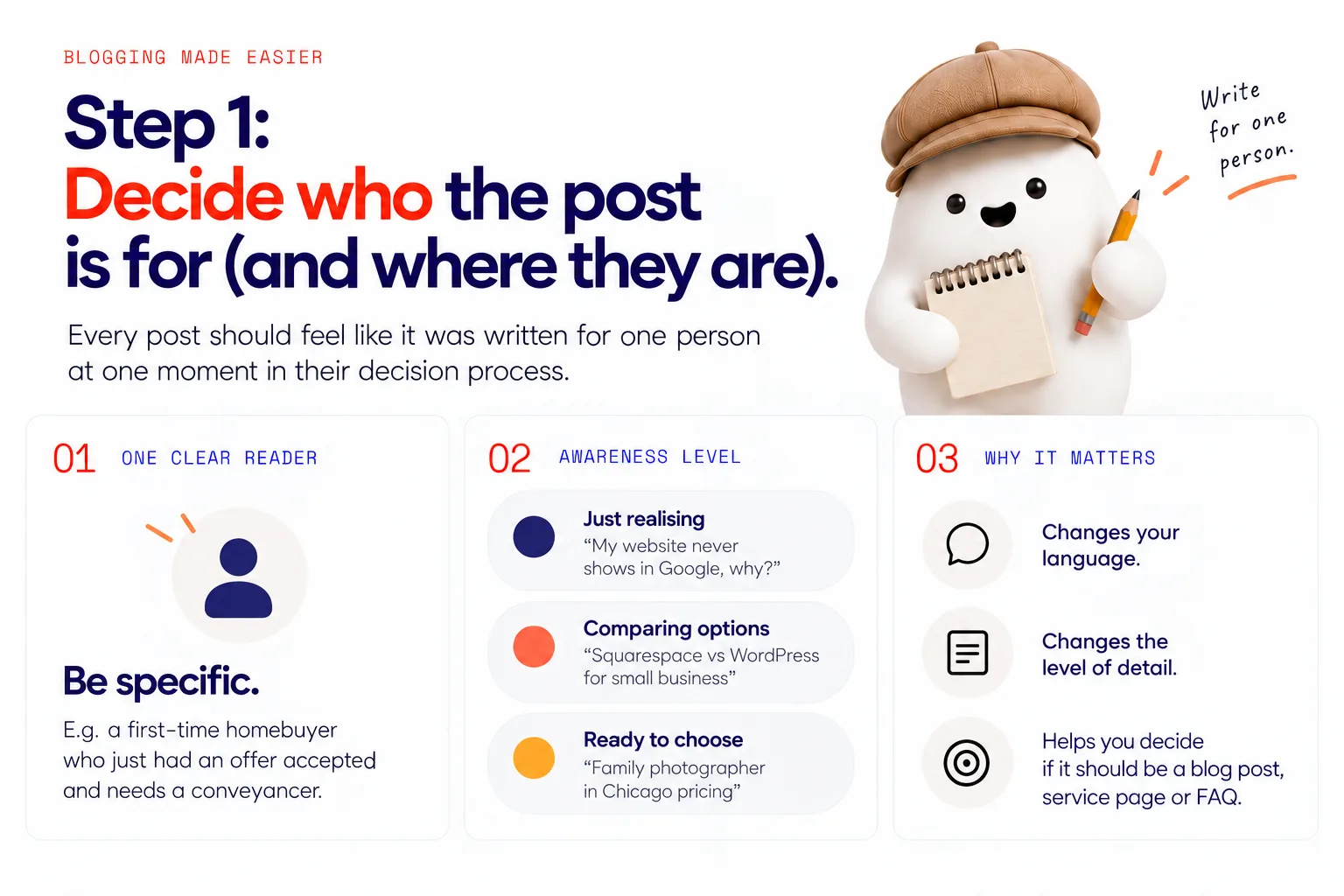
Step 1: Decide who this post is really for (and where they are in their journey)
Every post should feel like it was written for one person at one moment in their decision process.
Two parts:
- One clear reader
Not “anyone who might need a lawyer”. Instead: “a first-time homebuyer who just had an offer accepted and needs a conveyancer”.
- One awareness level
Are they:
- Just realising they have a problem (“My website never shows in Google, why?”).
- Comparing options (“Squarespace vs WordPress for small business”).
- Ready to choose a provider (“family photographer in Chicago pricing”)?
This matters, because it changes:
- The language you use.
- The level of detail you include.
- Whether you should even be writing a blog post, or a service page, or a FAQ.
It also matters for search. In the Semrush State of Search 2022 report, informational keywords made up 60% of the unique search terms employed by searchers. That is a lot of people at earlier stages, asking questions and learning, long before they are searching a specific business name.
So, for each post, write down:
- “This post is for…”
- “Right now, they are thinking…”
- “They are trying to…”
If you cannot answer these in a sentence or two, the idea is not ready. Go narrower.
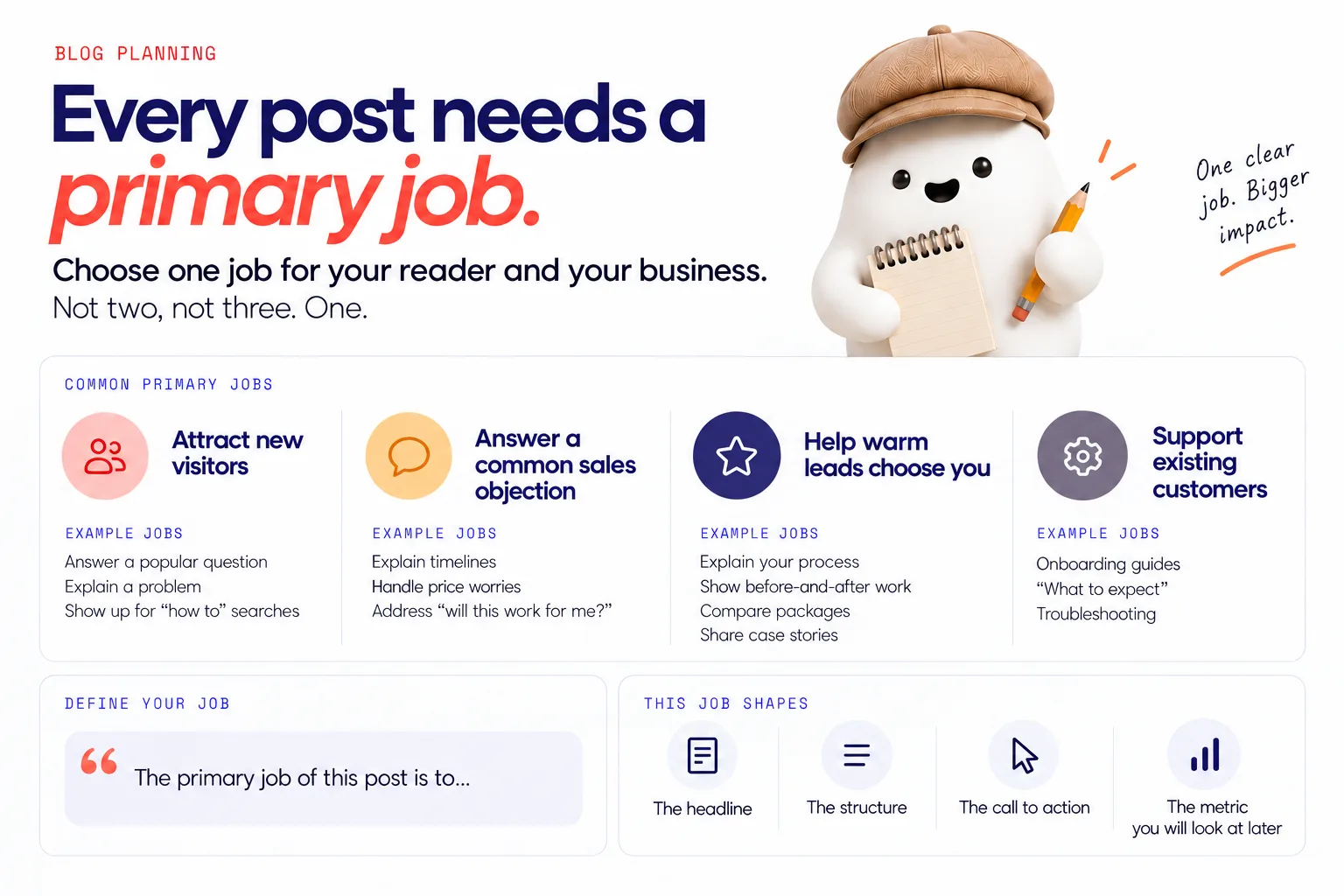
Step 2: Get clear on the post’s primary job
Every post must earn its place in your limited time. The way it earns that place is by having one primary job.
That job is what the post should do for:
- Your reader, and
- Your business.
Some common primary jobs:
- Attract new visitors
Example jobs: answer a popular question, explain a problem, show up for “how to” searches.
- Answer a common sales objection
Example jobs: explain timelines, handle price worries, address “will this work for me?”.
- Help warm leads choose you
Example jobs: explain your process, show before-and-after work, compare packages, share case stories.
- Support existing customers
Example jobs: onboarding guides, “what to expect”, troubleshooting.
Choose one. Not two, not three. One.
Then describe it in a testable way:
- “The primary job of this post is to…
• Help first-time therapy clients understand what the first session is like so they feel safe booking. • Compare ‘done for you’ bookkeeping options so small business owners feel confident enquiring. • Answer ‘how much does [service] cost in [city]’ so local leads stop price-shopping and contact us.”
This primary job shapes:
- The headline.
- The structure.
- The call to action.
- The metric you will look at later (form fills, calendar bookings, time on page, internal link clicks).
If a post idea does not have a clear job, either sharpen it or drop it.
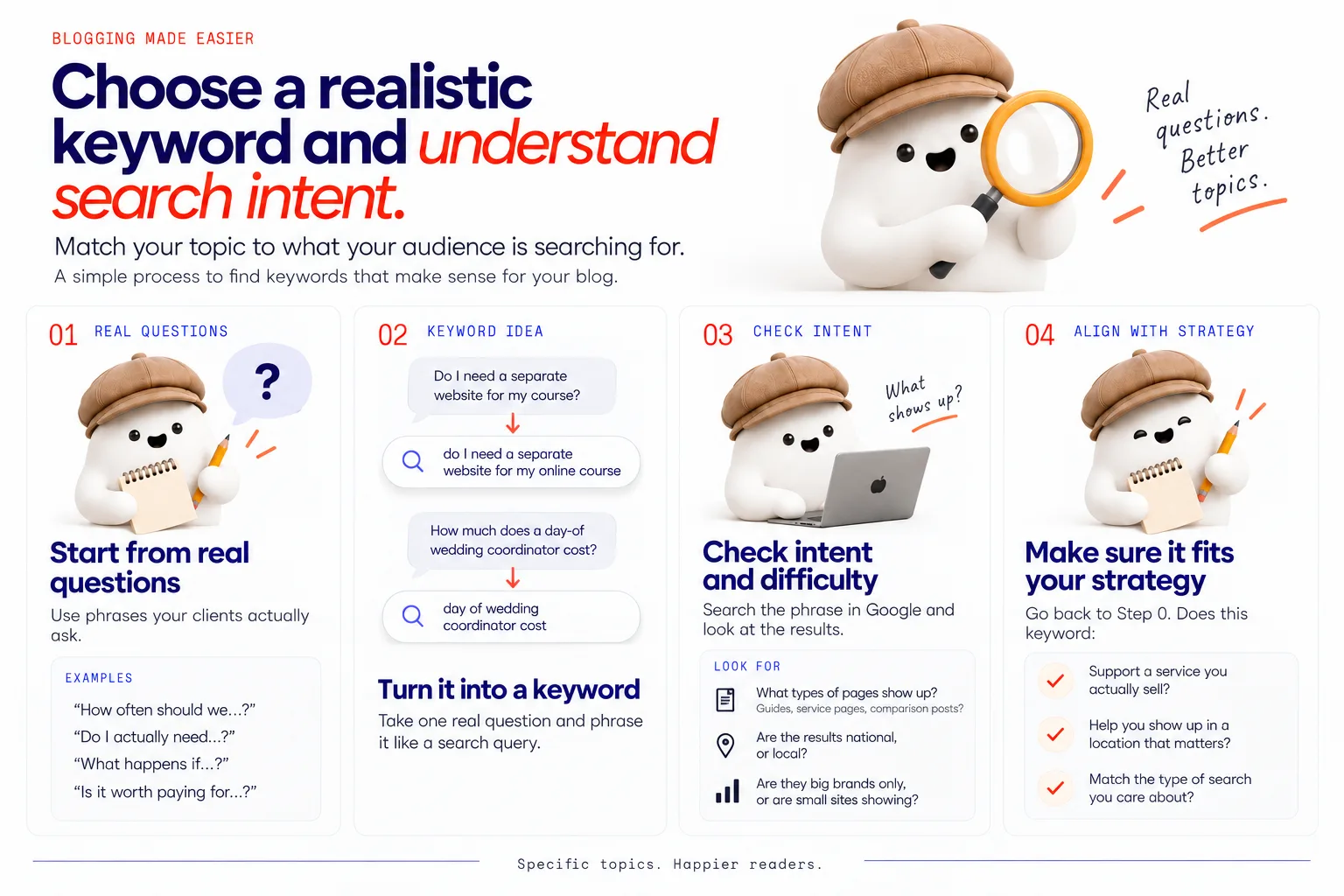
Step 3: Choose a realistic keyword and understand search intent
Once you know who the post is for and what job it should do, you can choose a keyword and a topic that match.
You do not have to become a full-time SEO. You do need to stop guessing.
Semrush’s guide to SEO content says the first pre-writing step is to target the right keyword and understand search intent. That is the same order we follow.
Here is a simple process that fits into your day:
- Start from real questions your clients ask
Think back to sales calls, DMs, intake forms. What exact phrases do people use?
Examples of starting points:
- “How often should we…?”
- “Do I actually need…?”
- “What happens if…?”
- “Is it worth paying for…?”
Turn one real question into a search query like someone would type.
- Translate that into a keyword idea
Your client’s question: “Do I need a separate website for my course?” Keyword idea: “do I need a separate website for my online course”.
Your client’s question: “How much does a day-of wedding coordinator cost?” Keyword idea: “day of wedding coordinator cost”.
- Check intent and difficulty
Search that phrase in Google yourself.
Look for:
- What types of pages show up? Guides, service pages, comparison posts?
- Are the results national, or local?
- Are they big brands only, or are small sites showing?
You are looking for two things:
- Search intent: what people are trying to do. Learn? Buy? Compare?
- Realistic competition: do you see websites like yours ranking? If every result is a giant marketplace or government site, this might not be realistic for a new or small site.
If the intent does not match your post’s job, or the page types do not look like something you can make, pick a different angle.
- Align with your strategy
Go back to Step 0. Does this keyword:
- Support a service you actually sell?
- Help you show up in a location that matters?
- Match the type of search you care about?
If not, you might still write the post later, but it should not jump the queue.
If you want extra help reading search results, resources like the Semrush keyword strategy guide walk through how to use the layout of the results page to understand search intent and choose a content format. You do not have to use their tools to benefit from the way they suggest thinking about results.
The goal here is not perfect keyword science. It is to stop chasing impossible phrases and start choosing specific, realistic topics that match what your buyers actually do in search.
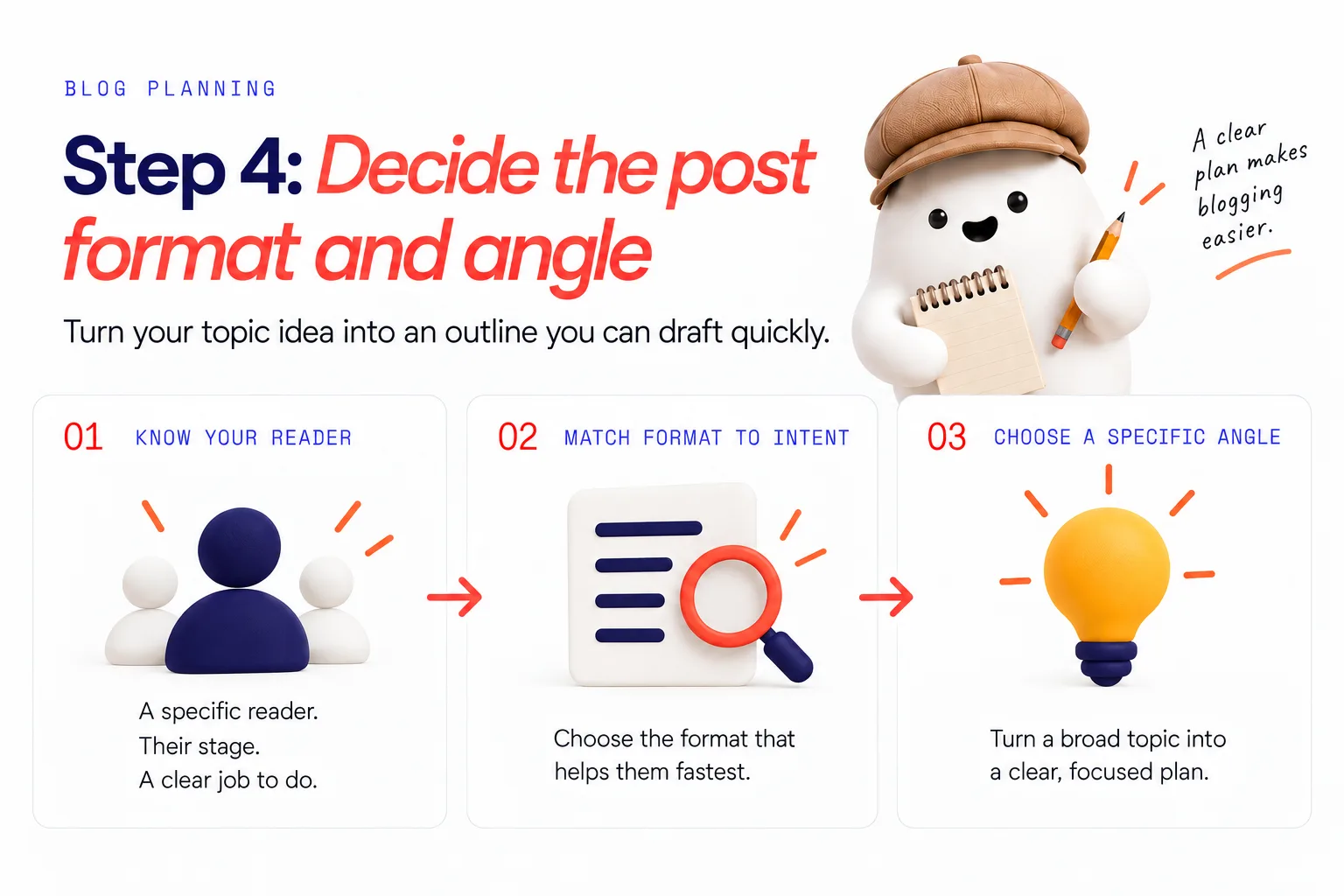
Step 4: Decide the post format and angle before you draft
You now have:
- A specific reader and stage.
- A clear job.
- A realistic keyword and intent.
The next decision is *how* you will cover it.
Format and angle are what turn “topic idea” into “outline you can draft quickly”.
Match format to intent
Ask: “Given what searchers are trying to do, what format helps them do it fastest?”
Some simple matches:
- “How to”, “guide”, “step” searches
Format: how-to guide or checklist.
- “Best”, “vs”, “review”, “compare” searches
Format: comparison post or pros-and-cons breakdown.
- “Idea”, “examples”, “inspiration” searches
Format: examples post, gallery, or short annotated ideas list.
- “Cost”, “price”, “how much” searches
Format: pricing explainer, “what affects the price”, with ranges.
Matching format to intent increases the chance that your post actually satisfies the search and keeps visitors on the page.
If you like a more data-driven approach, the Semrush keyword strategy guide recommends using the results page itself to decide what format to create, because features like ads, shopping results, map packs, featured snippets, and video carousels can change whether a blog post is the right choice.
Choose a specific angle
“Write about wedding photography pricing” is not a plan. “Write a guide: ‘How much does wedding photography cost in Austin in 2025?’ that breaks down what affects price and who each package level is right for” is a plan.
Angle decisions look like:
- “Explain this from a beginner’s point of view, no jargon.”
- “Compare three options, then show where we fit.”
- “Share one detailed story that illustrates the process, then break down what we did.”
Write your angle as a one-line brief:
“This post will show [reader] at [stage] how to [outcome] by [format + angle].”
You now have enough to outline the post in bullets without thinking too hard.
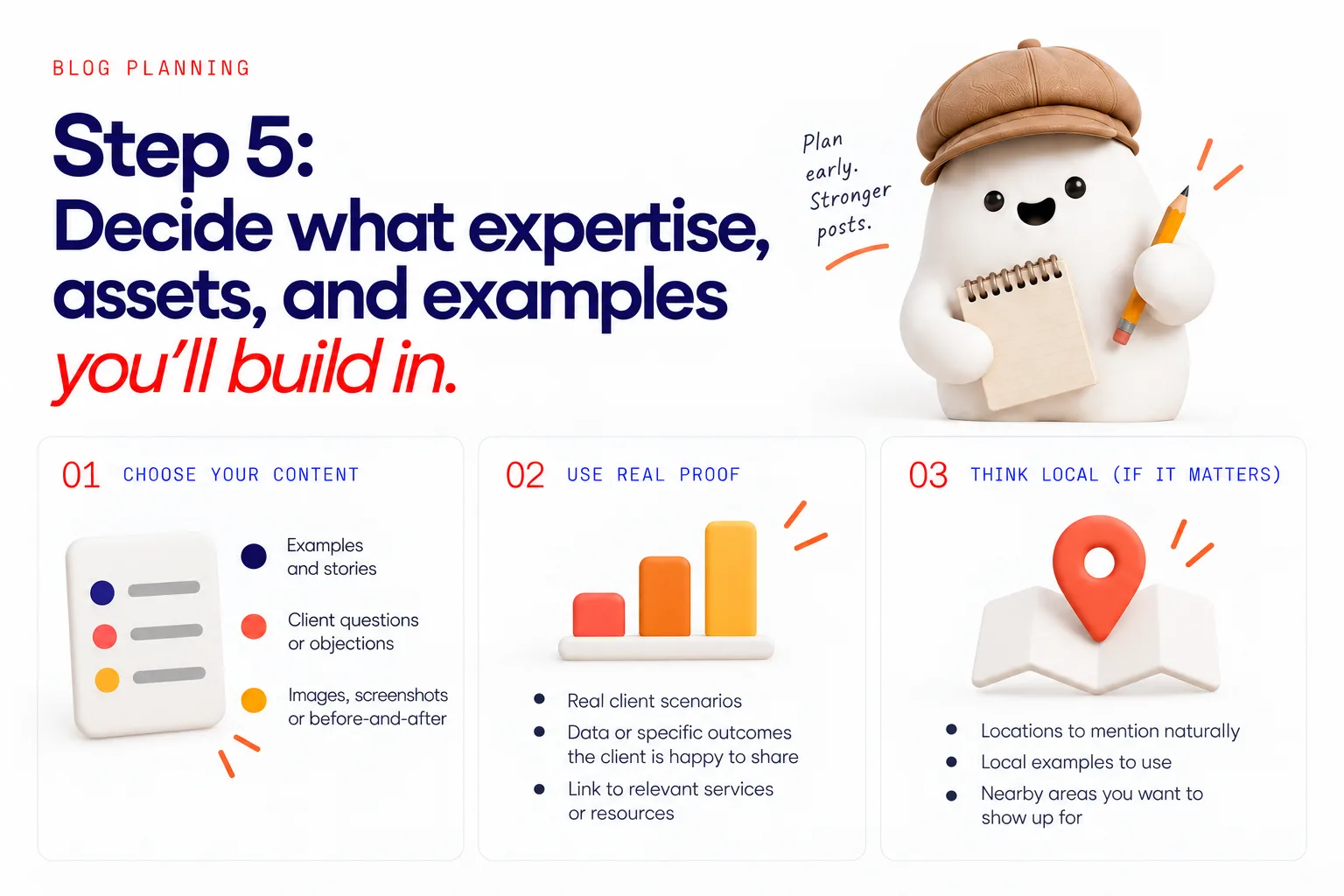
Step 5: Decide what expertise, assets, and examples you’ll build in
This is the part most people skip, then wonder why their posts sound generic.
Before drafting, decide:
- Which examples and stories will you use?
- Which client questions or objections will you answer?
- Which images, screenshots, or before-and-after pieces will you show?
- Which existing pages on your site should this post link to?
Gathering these now stops you scrolling through your camera roll mid-draft or promising to “come back later and add images”, then never doing it.
When we plan this way, we look for:
- Real client scenarios.
- Data or specific outcomes the client is happy to share.
- Places where we can link to relevant services or resources.
In one real project, this approach helped create a blog post that became the second most visited page on the website, behind only the homepage. The difference was less about word count, more about the level of specific proof and relevance built into the post.
If local search matters to you, this is also where you decide:
- Which locations to mention naturally.
- Which local examples to use.
- Which nearby areas you want to show up for.
That is part of avoiding vague “anywhere” content and creating posts that can begin to rank for real local searches.
If you want to see how this can look in practice, you can browse some of our live examples, including a before-and-after post for a boudoir photographer that builds in specific questions, images and internal links.
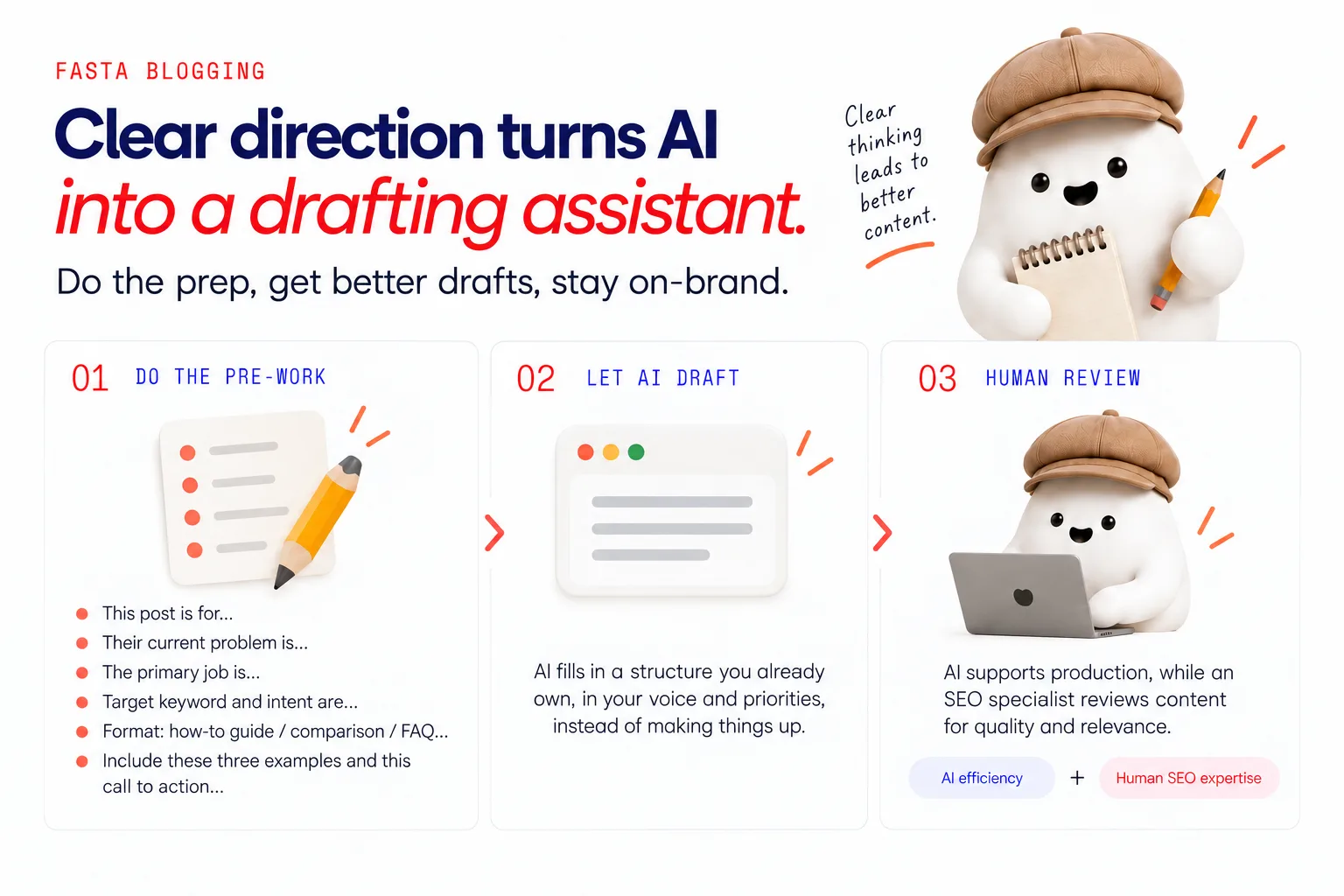
How this prep makes AI blogging safer and less like tech homework?
If you have tried AI writing tools before, you have probably seen what happens when you dump “write me a blog post about X” into a box: generic, vague, often off-brand content that you then have to rewrite from scratch.
The issue is not AI itself. It is the lack of direction.
When you are clear on reader, intent, job and angle, AI becomes a drafting assistant instead of a guessing machine.
You can feed it:
- “This post is for…”
- “Their current problem is…”
- “The primary job is…”
- “Target keyword and intent are…”
- “Format: how-to guide / comparison / FAQ…”
- “Include these three examples and this call to action…”
Now AI is filling in a structure you already own, in your voice and priorities, instead of making things up.
That is how we use it. AI supports production, while an SEO specialist reviews content for quality and relevance. AI efficiency with human SEO expertise.
This is also why, for clients who do not want to manage tools themselves, we focus heavily on getting this pre-work done right up front. Once the thinking is clear, you are not doing “tech homework”. You are spending a small, focused amount of time sharing your expertise, and leaving the heavy lifting to a system that understands your strategy.
Get the pre-work done for you with Fasta Blogging
If all of this makes sense but you know you are not going to sit and do it every month, that is exactly why we built Fasta Blogging.
Fasta Blogging is an automated SEO blog assistant, built by an SEO specialist, that handles this pre-work and ongoing planning for you, so you can get consistent, strategic posts without adding “become a content strategist” to your job description.
FAQs
How do I know who a blog post is really for?
Start from one real person you already help, not a vague “target market”.
Ask:
- Which service am I trying to support with this post?
- Who actually buys that service?
- What specific situation are they in when they start looking for help?
Write it as a simple sentence: “This post is for [type of person] who is currently [situation].” If you cannot do that without adding “and / or”, the audience is probably too broad for a single post.
How do I choose a keyword a new blog post can rank for?
Begin with real client questions and turn them into plain-language search phrases. Then:
- Search that phrase yourself.
- Check whether the results are mainly blog posts or something else.
- Look for at least a few sites of a similar size and niche to yours on page one.
- Make sure the results match the intent you want, for example “learn” or “compare”.
If every result is from giant platforms and the angle does not match what you want your post to do, choose a more specific variation or a different question that better fits your business.
What should a blog post be trying to do for my business?
Each post should have one primary job that connects directly to a real business goal.
Common jobs:
- Bring in new visitors who match your ideal clients.
- Answer a frequent objection that slows down sales calls.
- Help warm leads understand your process and feel confident choosing you.
- Support existing customers with “how to use this” content.
If you cannot tie a post idea to one of these, it is likely “nice to have” rather than necessary.
How do I decide whether a blog post idea is worth writing?
Run it through a short checklist:
- Does it clearly serve one type of reader at one stage in their journey?
- Does it support a service or offer you want more of?
- Is there a realistic keyword behind it, with search results where sites like yours appear?
- Do you have at least one strong example, story, or asset to include?
- Are you avoiding duplication with content you already have?
If you can say “yes” to most of these, the idea is usually worth your time. If not, consider folding it into another post or leaving it for later so you can focus on higher impact topics.
See us more often on Google
Add Fasta Blogging as a preferred source and our posts show up higher in your results.
Add as preferred sourceScore your blog
Paste one post and see how it measures up on structure, search and readability.
Get your free scoreNo account needed
Or skip the check and have us write them — start blogging.
$125/mo · cancel anytime